Successfully implement Microsoft Business Central – with Finclair
At a time when finance departments must meet ever-increasing demands, an ERP system that offers both technological and financial expertise is essential. Microsoft Dynamics 365 Business Central offers exactly this solution – and Finclair is your trusted partner for a successful implementation.
Technology partner








Why Microsoft Dynamics 365 Business Central is indispensable for modern Finance Departments
The Challenges of Conventional ERP Systems
Traditional ERP solutions often fail to meet modern requirements. They are often rigid, difficult to customize and offer only limited support for the specific needs of finance departments. In addition, there is often a lack of integration with systems such as DATEV, which can lead to inefficient processes and data inconsistencies.
The Advantages of Microsoft Dynamics 365 Business Central
With Microsoft Dynamics 365 Business Central, you benefit from a number of advantages that set it apart from traditional ERP systems. The cloud-based solution enables flexible and scalable use, which is particularly beneficial for growing companies. Finance departments benefit from special features such as real-time financial analysis, automated reporting and comprehensive financial management. The ease of use and seamless integration with Microsoft Office 365 and Power BI further increases efficiency.
Seamless integration between DATEV and Microsoft Business Central
One of Finclair’s greatest strengths is the seamless integration of DATEV into Microsoft Dynamics 365 Business Central. This allows companies to standardize their accounting and financial processes and ensure data integrity. Finclair uses its extensive expertise to ensure that the integration runs smoothly and that all financial data is transferred correctly. This allows you to achieve maximum efficiency with minimum effort.
From Sales to Treasury: all relevant areas considered in an integrated way.
Sales & Marketing
- Marketing
- Sales
- Order Processing
- Inventory & Pricing
Projekt Management
- Plan
- Manage
- Monitor
- Invoice
Purchasing
- Plan
- Order
- Purchase
- Inventory & Costing
- Human Resources
Human Resources
- Employees & data
- Manage
- Pay

Manufacturing / Warehouse
- Planning & Operations
- Assembly
- Inventory
- Goods Handling
Accounting
- General Ledger
- Receivables
- Payables
- Fixed Assets
- Intercompany
Controlling
- Cost Accounting
- Costs Budget
- Reporting
- Analytics
Treasury
- Cash Management
- APIs
- Reports
- ICash Flow
Successful implementation of Microsoft Dynamics 365 Business Central with Finclair
Microsoft Dynamics 365 Business Central is the ideal ERP solution for modern finance departments looking for a flexible, scalable and integrated ERP solution. With Finclair’s expertise, you can ensure an efficient implementation that optimizes your finance processes. Contact us today to find out how we can transform your finance department together.
Steps to successful implementation
The introduction of Microsoft Dynamics 365 Business Central requires careful planning and execution. The first steps include a detailed needs analysis and the creation of a customized implementation plan. During the planning phase, all relevant business processes are identified and the necessary adjustments are made to the system. This is followed by data migration, during which all important data is securely transferred to the new system. Training and ongoing support are also crucial and ensure that employees can use the new system effectively.
Finclair: Your Trusted Partner
Finclair offers not only technical implementation services, but also comprehensive consulting services. With over 20 years of experience in financial and IT consulting, Finclair is able to develop customized solutions for companies. As a partner of Continia and Konfipay, Finclair can also offer a variety of complementary products that extend the functionality of Dynamics 365 Business Central. Successful projects and satisfied customers are proof of Finclair’s reliability.
Best Practices and Tips for a Smooth Transition
Thorough preparation is the key to successful implementation. First, thorough preparation should be done to ensure that all business processes are well documented and understood. During the implementation phase, it is important to regularly review progress and make adjustments. Another key to success is the continuous training of employees to ensure that they can use the system optimally. Finclair offers comprehensive support and ensures that the changeover runs smoothly.
With our implementation approach, we accompany you along the entire ERP transformation chain:
Our Services

ERP System
Your partner for the introduction and optimization of Microsoft Dynamics 365 Business Central.

Data & Analytics
Your business intelligence solutions for transparency & actionable insights.
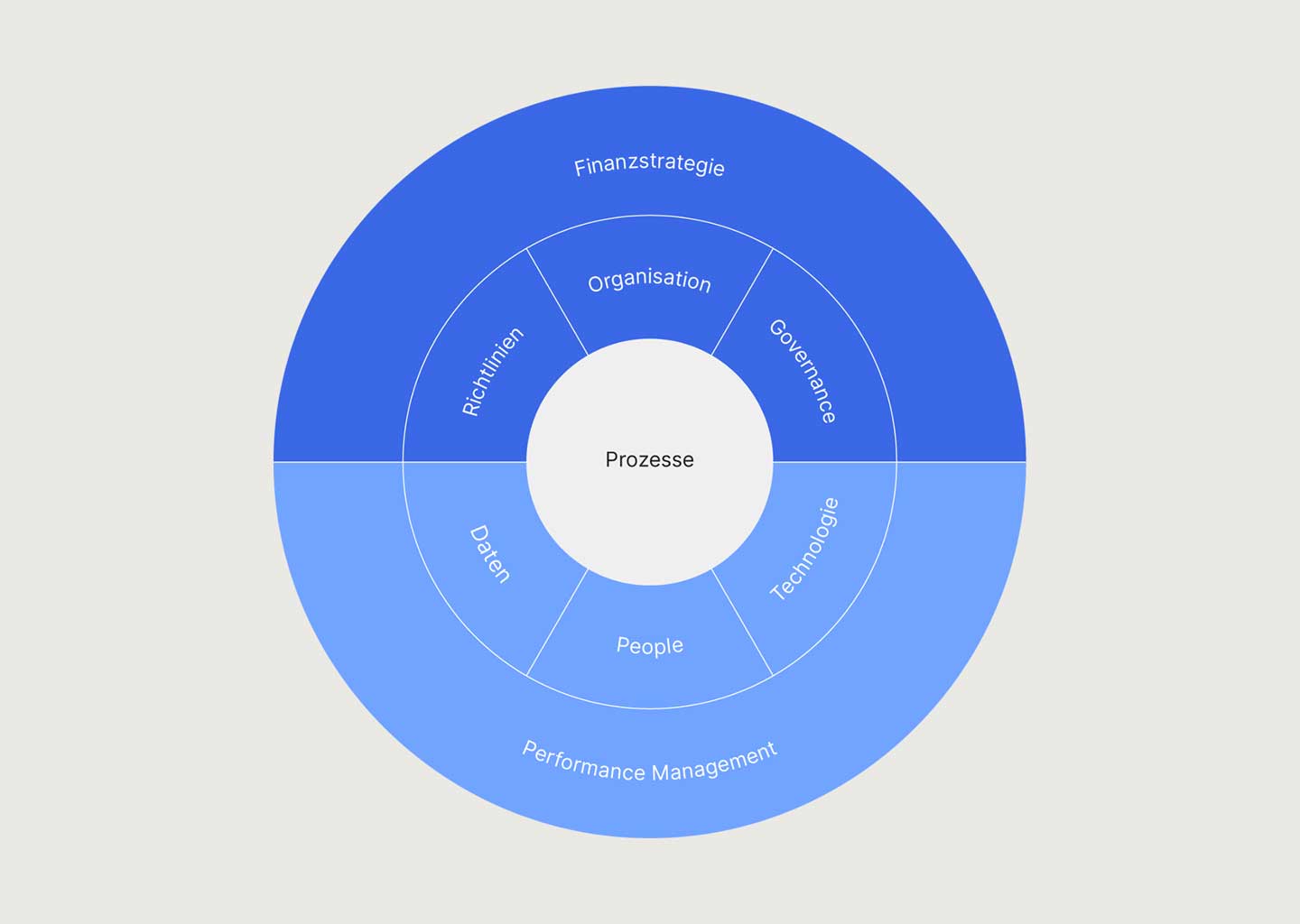
Financial Advisory
Your program for the strategic realignment of your financial organization.

Development Applications
Tailor-made for standardization and automation in your financial organization.